Repair the copy, protect the print
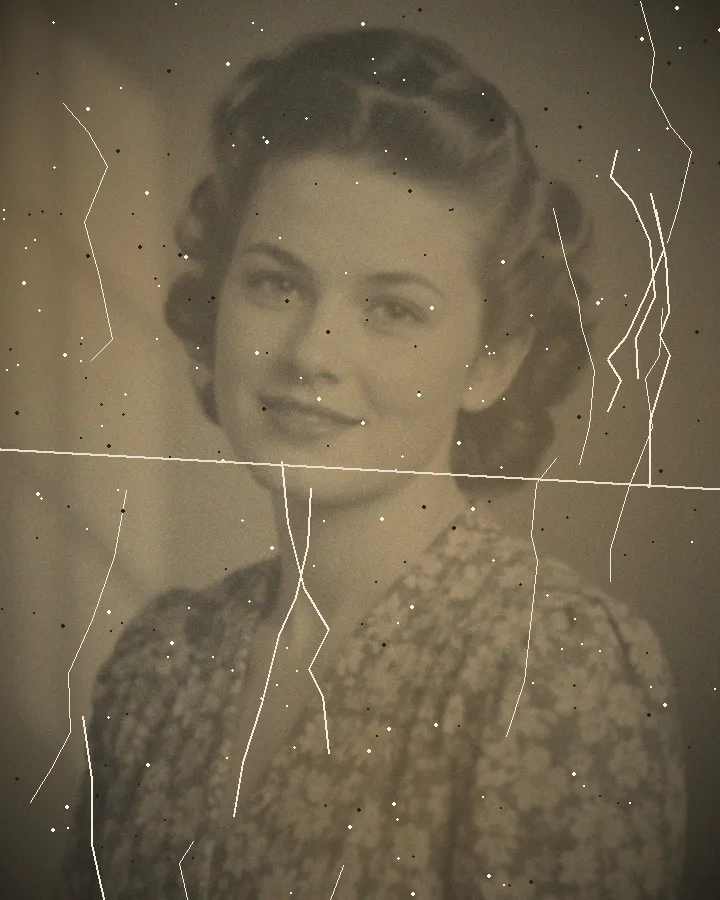
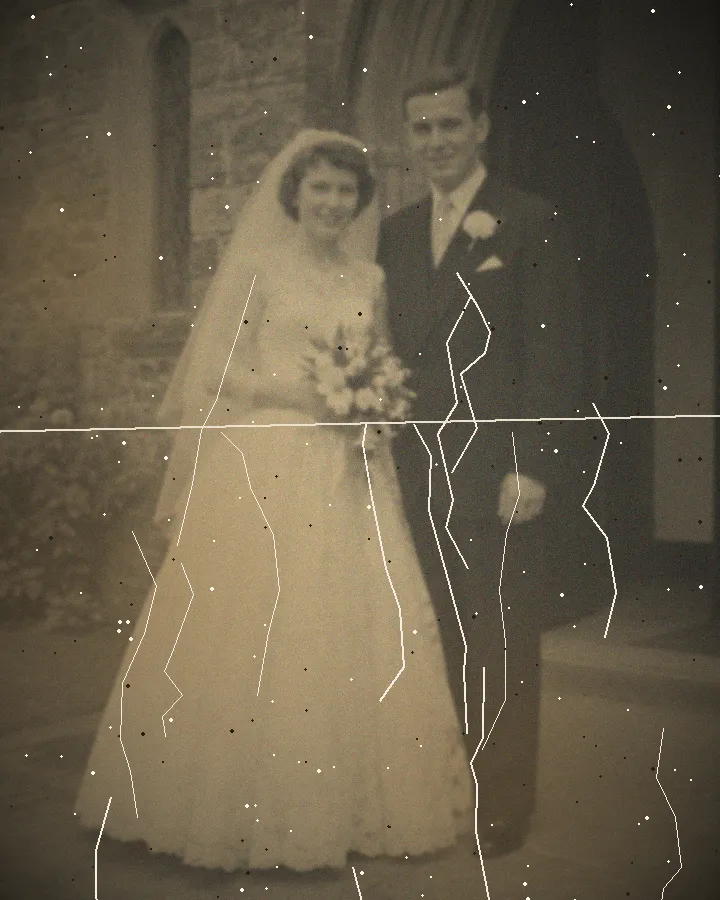
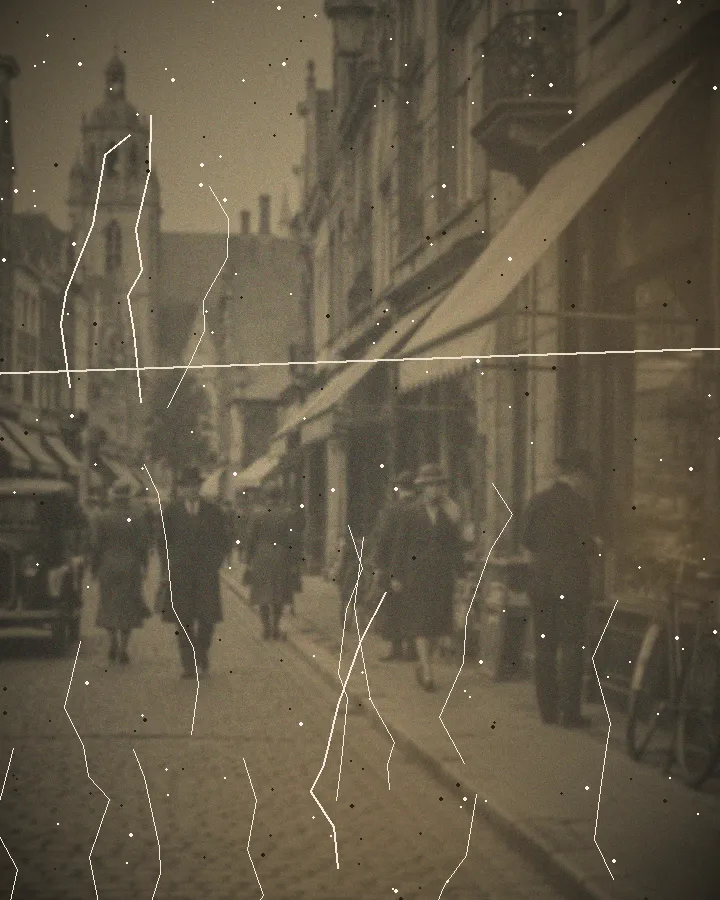
A tear, crease or scratch may interrupt a photograph without destroying all of its detail. Digital repair works on a scan or phone capture to reduce the visible damage. It does not mend the paper. Hold a stable print by its edges and avoid flattening brittle folds, applying tape or peeling a photograph away from glass. A photographic conservator can advise on a physically unstable original.
Different damage has different limits
A fine scratch against a plain background is different from a tear through an eye or a large missing face. Texture around a small damaged area can suggest a plausible continuation, but that suggestion is not evidence of the original detail. Check whether another relative owns a clearer print of the same picture before trying to repair a badly damaged source.
Water stains, mould and flaking surfaces also require care. Digital editing cannot make a mouldy original safe to handle. Photograph it without forcing damaged parts apart and seek appropriate advice about the physical print.
Capture the complete source
Make a colour scan or a sharp phone photograph in even daylight. Avoid flash and reflections, especially across faces. Include the edges and keep an untouched source file. If the image is on a book page, crop only the photograph for upload and preserve any captions separately. A screenshot or heavily compressed message attachment is less useful than the original scanner or camera file.
Inspect the repaired area
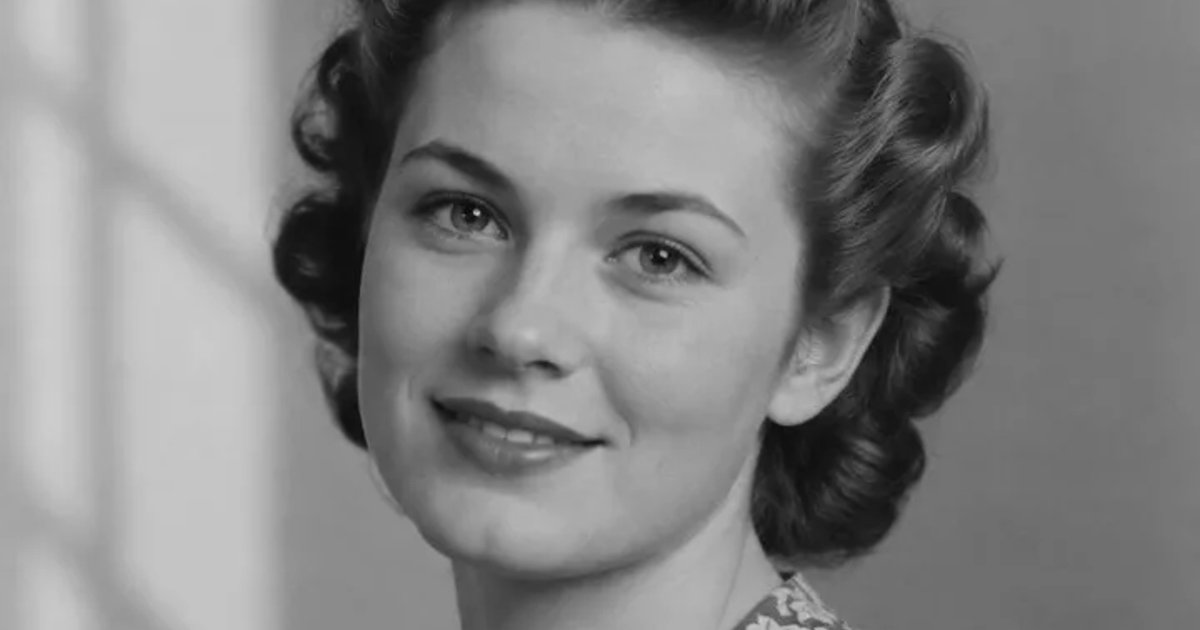
Compare the result with the source at close range. Pay attention to hands, eyes, clothing and objects beside a tear. Repair should not turn the subject into a different person or erase signs of age. Increased contrast may make remaining detail easier to see, but extra pixels are not new historical information.
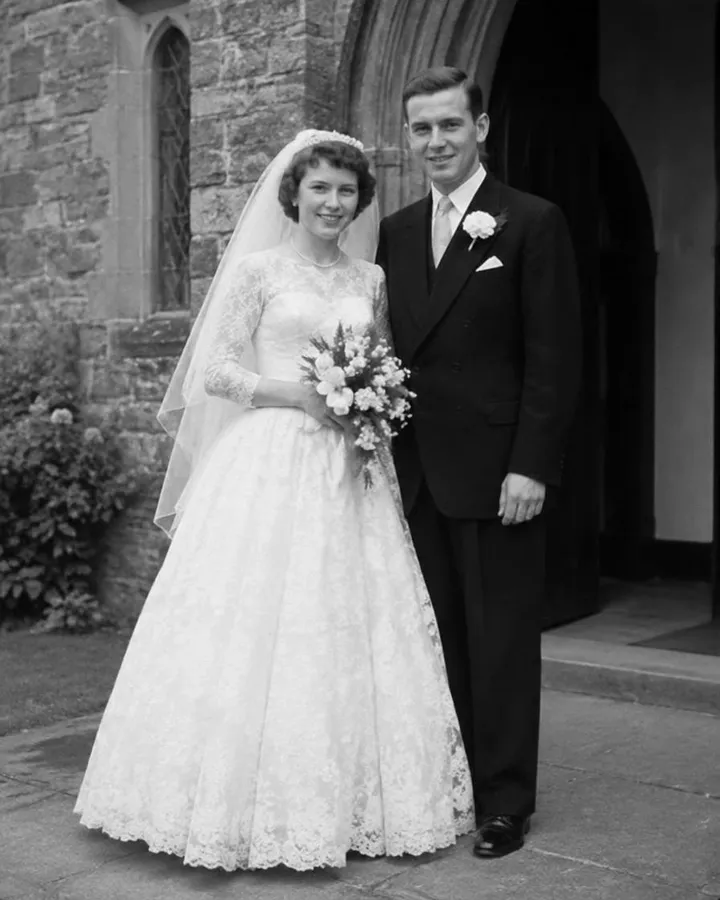
Try one free preview before working through a damaged collection. If an important feature looks wrong, ask for a redo or contact us about the guarantee. Very heavy blur and large missing areas remain real limits even when a preview of another picture looks successful.
Preserve the story of the photograph
Download and keep the original copy alongside the restored version. Record the owner of the paper print, its album and any known names or approximate dates. Clearly distinguish confirmed information from a relative’s recollection. A repaired image is a useful viewing copy, not a replacement for the source.
Use the digitization guide if you still need a digital file, the faded-colour guide for colour casts, or the family-history guide for source notes and uncertain identifications. These tasks complement repair without making every restoration a historical certainty.